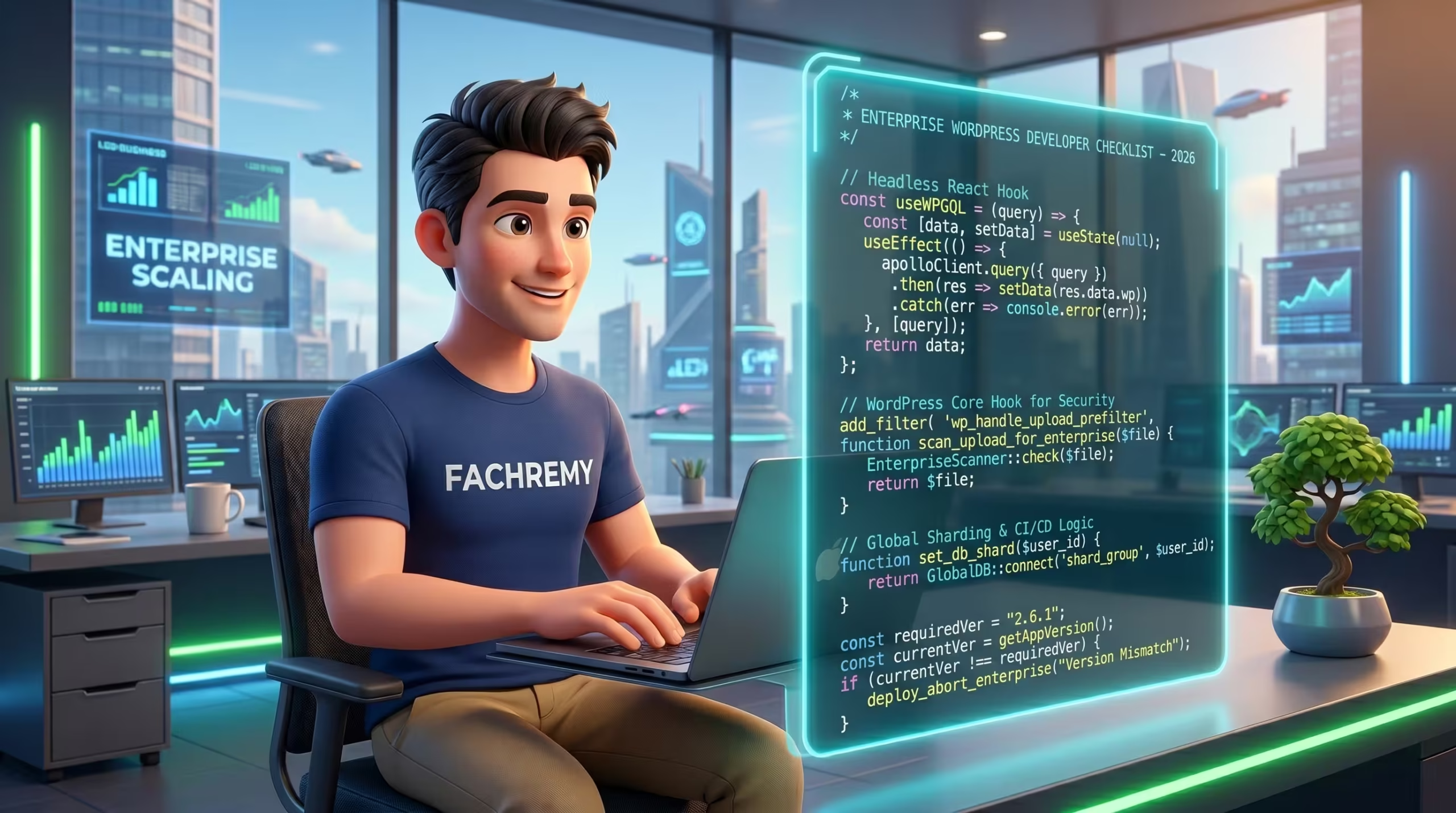
The WordPress ecosystem in 2026 demands absolute engineering precision. It is no longer a simple blogging content management system. It serves as a robust, scalable enterprise application framework powering global business operations. As a C-Level executive, IT Director, or Project Manager, your core challenge is distinguishing between basic frontend implementers who merely install themes and true system architects who engineer bespoke, high-performance web infrastructure. This comprehensive checklist provides the exact data-driven metrics and technical parameters you need to evaluate before allocating your enterprise recruitment budget.
Why Enterprise WordPress Development is Different in 2026
Enterprise WordPress development in 2026 differs from standard setups by requiring API-first headless architectures, milisecond frontend delivery for strict Core Web Vitals compliance, and seamless AI integration for dynamic data handling.
The technological landscape has shifted dramatically. A standard LAMP stack setup running bloated multipurpose themes is a severe liability for global brands. Today, scaling cross-border operations requires decoupling the frontend user interface from the backend database. Modern technical infrastructure demands an API-first approach utilizing React and Next.js, allowing the WordPress backend to serve purely as a secure, headless data repository.
Performance dictates your bottom line revenue. Your infrastructure must meet rigorous Google Core Web Vitals thresholds to maintain visibility. We are looking at requirements for Largest Contentful Paint (LCP) under 2.5 seconds, near-zero Cumulative Layout Shift (CLS), and Interaction to Next Paint (INP) below 200 milliseconds. Achieving these metrics at scale requires separating HTML and CSS concerns, drastically reducing DOM size, and implementing advanced edge caching layers.
Securing the deployment workflow is equally critical for enterprise environments. I have written about this in more detail in the article Enterprise WordPress CI/CD Pipeline & Git Implementation, where I explain how to automate staging and production pushes safely without downtime.
The Tech Stack Expectations: What Tools Must They Master?
A qualified enterprise WordPress developer in 2026 must master advanced dynamic data tools like Elementor Pro and JetEngine, version control systems like GitHub, and enterprise hosting environments such as Kinsta, WP Engine, and Cloudflare Enterprise.
You cannot build highly scalable applications with amateur tools. When evaluating candidates during a technical interview, their preferred technology stack reveals their true capability level.
Page Builders & Dynamic Data: We no longer write custom PHP templates from scratch for every single view, as it slows down agile marketing efforts. We utilize visual architecture tools intelligently. A senior architect uses Elementor Pro strictly for pixel-perfect UI rendering while relying heavily on JetEngine to manage complex Custom Post Types, custom meta fields, and relational database queries. This methodology strictly separates the design layer from the data structure, preventing server bloat and ensuring fast query execution.
Version Control & Deployment: Editing files directly on a live production server is a catastrophic security risk and a massive red flag. Your developer must utilize Git-based version control using platforms like GitHub or GitLab. They need to understand how to build automated staging environments and CI/CD pipelines to ensure safe, zero-downtime updates across multiple server nodes.
Hosting & Performance Monitoring: They must be fluent in navigating enterprise-grade server environments. Deep familiarity with WP Engine, Kinsta, or custom containerized setups using Cloudflare Enterprise routing is mandatory. They also need to utilize application performance monitoring tools like Google Lighthouse, PageSpeed Insights, and New Relic to identify and resolve performance bottlenecks directly at the database query level.
Freelance vs. In-House vs. Dedicated Agency: Which is Right for You?
Choosing between a freelance, in-house, or dedicated agency depends entirely on your budget, required technical expertise, and risk tolerance, with dedicated agencies offering the lowest operational risk for complex enterprise projects.
Allocating recruitment resources effectively requires understanding the deployment models currently available in the global tech market. Let us look at a direct, data-driven comparison of these three approaches.
| Deployment Model | Cost Structure | Expertise Level | Flexibility | Operational Risk |
|---|---|---|---|---|
| Freelance Market | Low to Medium ($30-$80/hr) | Highly Variable | High | Very High (Ghosting, single point of failure) |
| In-House Team | Very High (Salary + Benefits) | Focused, but isolated | Low (Fixed capacity) | Medium (High turnover cost, onboarding delays) |
| Dedicated Agency/Expert | Medium to High (Retainer) | Enterprise-Grade Standardized | High (Scalable resources) | Low (Contractual SLA, established workflows) |
For mid-to-large enterprises operating in highly competitive markets, the logic clearly points away from individual freelancers found on mass-market gig platforms. The technical debt accrued from a poorly architected, hacked-together system costs exponentially more to fix than hiring a proven architect from day one. In my experience architecting global B2B sites, building an internal team from scratch takes six to eight months of recruitment, technical testing, and onboarding before they become fully productive.
If you are looking to scale your infrastructure without the overhead of traditional recruitment, choosing to hire a dedicated WordPress developer can save you months of onboarding and secure your infrastructure immediately. Partnering with a dedicated expert transfers the operational risk away from your HR department and ensures you receive standardized, high-performance code output from day one.
The 2026 Enterprise WordPress Developer Checklist (The Core Skills)
1. Advanced Technical Proficiency & Modern Stacks
Advanced proficiency requires mastering React for frontend decoupling, REST API and GraphQL for data fetching, and strict separation of HTML and CSS concerns to optimize rendering speed.
A senior developer operates far beyond basic PHP functions. They construct custom endpoints using the WordPress REST API or GraphQL to feed dynamic data into Next.js or native React frontends. They must demonstrate a strict separation of concerns, ensuring CSS is loaded conditionally based on the active viewport and specific HTML elements present on the page, rather than loading one massive, render-blocking stylesheet globally.
2. Pixel-Perfect Design & Dynamic Data Mastery
Mastering dynamic data involves building responsive UI/UX architectures that achieve zero Cumulative Layout Shift (CLS) through highly efficient Document Object Model (DOM) manipulation.
Visual execution must align perfectly with your design team’s Figma prototypes while maintaining incredibly lightweight source code. The developer must understand how to construct repeating listing grids and dynamic template loops without querying the database redundantly. Efficient DOM manipulation is non-negotiable for achieving stability on mobile devices. I have written about this in more detail in the article Elementor DOM Reduction: Enterprise Core Web Vitals.
3. SEO, SGE & GEO Fundamentals
Enterprise developers must build technical SEO foundations incorporating custom Schema Markup, semantic HTML5 structure, and clean code for Search Generative Experience (SGE) and AI crawler optimization.
Technical SEO is no longer handled solely by marketing teams after the site is built. It must be baked directly into the architecture. Your developer must output semantic HTML tags (nav, article, aside, section) correctly to provide context to search engines. They need to inject dynamic JSON-LD Schema markup based on specific post types to feed AI engines and large language models directly.
4. Enterprise-Grade Security & Scalability Architecture
Security architecture demands proactive DDoS mitigation strategies, precise database query optimization, and implementation of advanced CDN routing rules to protect enterprise assets.
A single vulnerability in a custom plugin can compromise massive amounts of user data. Developers must aggressively sanitize all inputs, escape all outputs late, and use cryptographic nonces for all form submissions and API requests. They must understand how to configure Cloudflare WAF rules and implement Redis or Memcached object caching to drastically reduce database load during sudden traffic spikes.
5. Code Auditing & Remediation Awareness
Senior engineers must possess the capability to systematically audit legacy codebases, identify performance bottlenecks, and implement basic Web Content Accessibility Guidelines (WCAG) compliance during the deployment phase.
Very rarely will an enterprise developer start with a pristine, blank slate. They must know how to inherit a messy, undocumented legacy codebase, run comprehensive diagnostic audits using tools like Query Monitor, and systematically refactor bloated functions without breaking the live production environment. Furthermore, they must code with accessibility in mind, ensuring basic WCAG 2.2 standards are met at the structural level.
How to Conduct a WordPress Technical Assessment in 2026
Conducting a WordPress technical assessment in 2026 requires shifting focus from basic PHP syntax memorization to evaluating architectural problem-solving, live debugging of plugin conflicts, and complex system design discussions.
IT Directors must look beyond polished resumes and standard portfolio links. You need to understand how a candidate thinks under pressure and how they approach enterprise-level infrastructure challenges. Stop asking them how to register a custom post type. Instead, present them with real-world architectural scenarios. Ask them how they would design a headless content delivery system to serve data to three different front-end applications simultaneously.
Live debugging tests provide the highest clarity into a developer’s actual skill level. Set up a staging environment with a deliberate, severe database query bottleneck or a complex frontend conflict. Ask the candidate to identify the root cause using profiling tools. I have written about this in more detail in the article Resolving Complex Plugin Conflicts in High-Traffic Elementor & WooCommerce Stores.
Evaluating their understanding of core performance metrics is equally vital. Ask them to explain their workflow for auditing a site that fails Google’s Core Web Vitals assessment. If they immediately suggest installing a caching plugin without first analyzing the DOM size or server response time, they lack the analytical depth required for enterprise operations.
7 Red Flags to Watch Out For During the Interview
The most critical red flags during a WordPress developer interview include an over-reliance on bloated multipurpose plugins, the inability to explain database caching mechanisms, and a complete lack of version control deployment strategies.
Identifying these warning signs early saves thousands of dollars in recruitment and onboarding costs. Watch for these seven critical indicators of an unqualified candidate:
- Direct File Editing: They mention editing
functions.phpdirectly through the WordPress admin dashboard editor. This is a severe security risk and a sign of amateur workflows. - Plugin Hoarding: They propose installing multiple commercial plugins to solve minor UI or functional requirements instead of writing clean, custom code.
- Caching Ignorance: They cannot explain the technical difference between Object Caching (like Redis) and Page Caching, showing a lack of server-side optimization knowledge.
- Blank Stares on Web Vitals: They do not know the strict numerical thresholds for LCP, CLS, or INP, indicating they build for aesthetics rather than measurable performance.
- No Version Control: They lack hands-on experience with Git, GitHub, or automated CI/CD deployment pipelines.
- Hardcoding Credentials: They admit to hardcoding API keys or database credentials directly into theme files instead of utilizing secure environment variables.
- Ignoring Standard Practices: They show disregard for the official WordPress.org Coding Standards, which guarantees their code will be difficult for future teams to maintain or audit.
How Much Does It Cost to Hire a WordPress Developer in 2026?
Hiring a senior enterprise WordPress developer in 2026 costs between $90,000 to $150,000 annually in Western markets, while outsourcing to globally standardized experts provides identical architectural quality at a fraction of the operational overhead.
The global market dictates varying rates based on geography and proven expertise. In the US, UK, and Australian markets, a dedicated senior WordPress architect commands a premium salary due to the high demand for custom headless builds and API integrations. When you factor in benefits, recruitment fees, and hardware provisioning, an in-house hire represents a massive financial commitment.
Alternatively, the freelance market offers hourly rates ranging from $30 to $80. However, the true cost of a cheap freelancer is hidden in technical debt. A poorly optimized database query that crashes your B2B portal during a high-traffic sales event costs exponentially more in lost revenue than the initial development fee.
Smart enterprises evaluate cost through the lens of Return on Investment (ROI) and risk mitigation. Outsourcing to a verified, specialized agency or a dedicated expert eliminates the guesswork. You pay for immediate access to refined workflows, enterprise-grade security protocols, and guaranteed adherence to 2026 performance standards. You avoid the costly trial-and-error phase entirely.
Conclusion: Streamline Your Hiring Process Today
Selecting the right technical partner defines the success or failure of your digital infrastructure. The 2026 enterprise web landscape does not tolerate slow load times, bloated codebases, or insecure deployment workflows. By utilizing this comprehensive checklist, you empower your organization to filter out basic implementers and secure true system architects who understand dynamic data, headless integrations, and strict performance metrics.
Do not gamble your global digital presence on unverified talent. Ready to build high-performance, enterprise-grade web applications? Hire a WordPress Developer to get started.
Frequently Asked Questions (FAQ)
What is the difference between a WordPress implementer and a developer?
An implementer relies heavily on pre-built themes and plugins to assemble a website visually, while a true developer writes custom code, architects database structures, builds API endpoints, and optimizes server-side performance for enterprise scale.
How do I test a WordPress developer’s coding skills?
Provide a secure staging environment with a known architectural flaw, such as a severe layout shift or a slow database query. Ask the candidate to debug the issue live, document their remediation process, and explain their technical reasoning.
Why should I hire an expert instead of using a cheap freelancer?
Hiring a verified expert mitigates severe operational risks, prevents catastrophic data breaches, and ensures your application meets strict global performance thresholds. This approach prevents expensive technical debt and delivers a significantly higher long-term return on investment.

Initiate Secure Comms
Join elite B2B founders receiving my private WordPress architecture blueprints directly to their inbox. No spam, pure engineering.